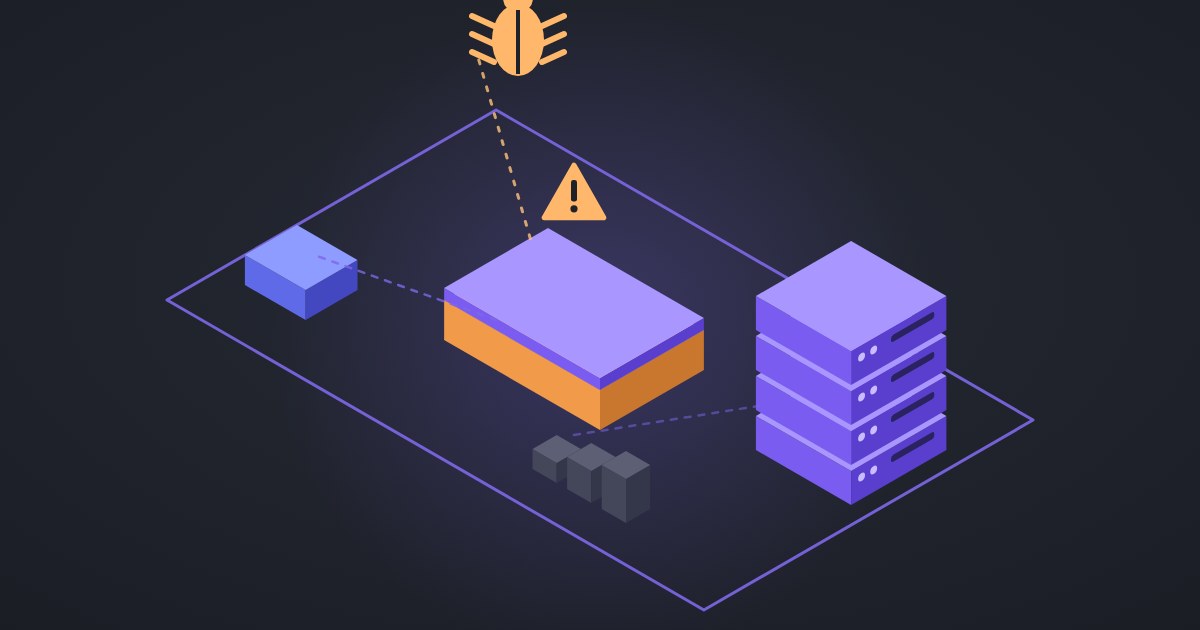
On 11 November 2026 an attacker used ScreenConnect's Run Command on cloud-hosted panels to install rogue ScreenConnect clients on at least 288 managed endpoints across 48 organizations, according to Huntress. If you run ScreenConnect, or hire a provider who does, check your panel today, even without an alert.
What happened
- From about 17:47 UTC on 11 November, Huntress saw suspicious activity on endpoints tied to several ScreenConnect environments. All 288 hosts were hit within about 90 minutes, a third of them in the first 10 (Huntress, CyberScoop).
- The command, run as SYSTEM, downloaded an attacker-controlled ScreenConnect installer, installed it silently as a second client, then dropped a toolkit Huntress calls SCKit. SCKit adds Defender exclusions, creates a scheduled task named
TrapWatch, and replaces the real ScreenConnect client with the attacker's copy. - The toolkit sets a trap: when a technician connects to an infected machine, their session can be captured and used against every host in that instance (Huntress support advisory).
The likely entry point: a third-party extension
ConnectWise disabled five third-party extensions (Labtech Plus, RMM Plus, RMM+, RMM Plus Password Link, RMM+ Password Link) in about 400 partner environments as a precaution, and says it found no evidence of a compromise of its infrastructure or a vulnerability in ScreenConnect itself (CyberScoop). Huntress ties the activity to RMM+: versions 1.0.31 and 1.0.32 accepted a blank access key when an administrator had never set one, and the extension bypasses ScreenConnect user accounts, roles and MFA. ConnectWise says the initial access method and full scope were still under investigation (ConnectWise guidance). Their presence alone does not mean you were compromised.
What to do, in order
- Do not connect to a suspected host with ScreenConnect. An interactive session can spread the toolkit to the technician's workstation. Use EDR live response, WinRM or another out-of-band tool.
- Check your extensions. If any of the five above are installed, disable them. On-premises partners must do this themselves; do not reinstall pending ConnectWise guidance.
- Audit Run Command and Toolbox history for executions you did not start, and look for a second ScreenConnect client on managed endpoints.
- Lock down the instance from a clean device: reset passwords, revoke all sessions, enforce MFA, remove unknown users.
- Isolate and clean infected hosts. Remove the rogue client service, the
TrapWatchtask andC:\ProgramData\RelayTrap\. Isolation alone does not remove persistence; Huntress saw reinfection after isolation was lifted. - Rotate what was exposed: domain admin, service, backup and hypervisor accounts, plus browser sessions, because the toolkit can steal session tokens.
- Block the published indicators at firewall and DNS (the list is in the Huntress advisory and BleepingComputer).
Remote-access tools are now a favourite way in. For the helpdesk side of the same problem, read fake installers and RMM tools requested through helpdesk software.
FAQ
Is ScreenConnect itself vulnerable? ConnectWise says it found no vulnerability in ScreenConnect itself; the activity is linked to third-party extensions.
Which versions are affected? Huntress reports current ScreenConnect builds 26.6.6.9747 and 26.7.6.9783 in the incident, and RMM+ 1.0.31 and 1.0.32 carried the blank-key flaw.
How many victims? Huntress counts at least 288 endpoints across 48 organizations, and says the number may rise.