Most teams start asking what a helpdesk is on a bad day. A customer has called three times and spoken to three different people, a request got lost in a chat group, and the team lead can't say how many requests went unanswered this week. Helpdesk software exists for exactly those days. Buying one without understanding its parts, though, tends to reproduce the same mess at a higher price.
This is the foundation guide: what a helpdesk is, what it is made of, and which requirements matter more than the feature list suggests once you work outside English and outside a single public cloud region. If you already know the parts and want buying criteria, read six things to check before buying a helpdesk system. If you are not sure you need one yet, start with the signs a team has outgrown a shared inbox.
What is a helpdesk? The short definition
A helpdesk is software that turns every request, complaint or question into a ticket. A ticket has a number, an owner, a status and a history. That is the whole difference from a shared inbox or a phone log: the request no longer lives in one person's head, it lives in the system, and work carries on when that person is on leave.
People sometimes separate "helpdesk" from "ticketing system". In practice ticketing is the core, and everything else (SLAs, a knowledge base, reporting) is built around it. An internal IT helpdesk follows the same logic. Your customers just happen to be your colleagues.
The life of a ticket
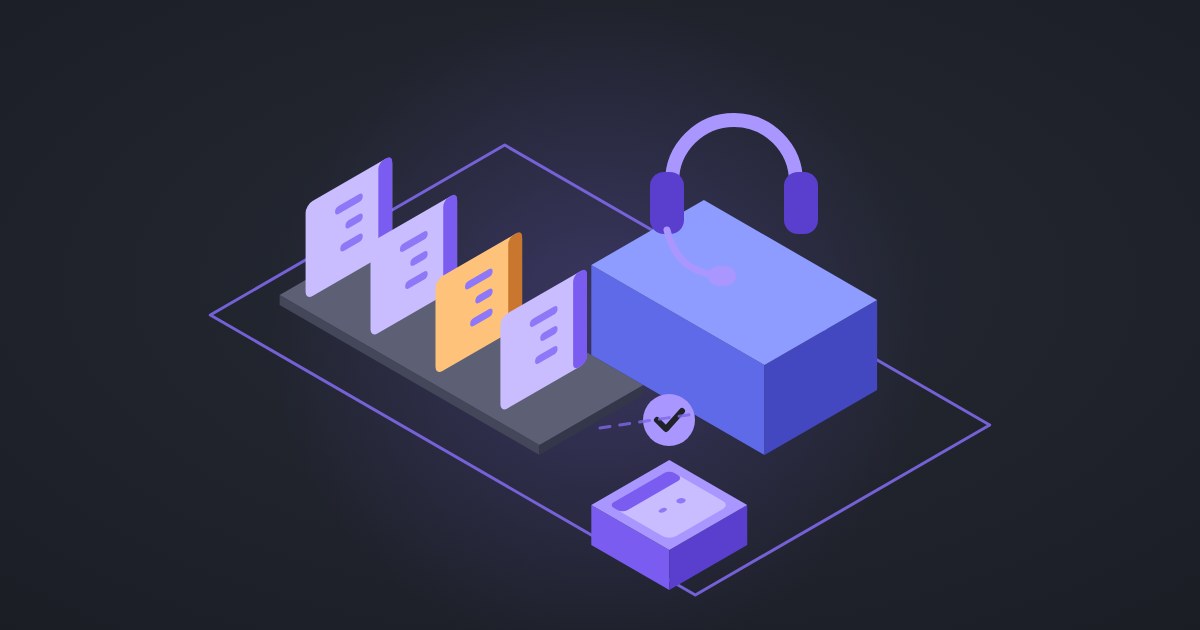
At its simplest a ticket moves through four states: open, in progress, on hold and closed. "On hold" matters more than it looks. While you wait for the customer to reply, the ticket should not count against your agent. FanDesk runs on those four states with priority, assignment and bulk actions, and every change stays in the ticket history.
Next to public replies you need internal notes, so an agent can ask a technical colleague for help without doing it in front of the customer. Canned responses save real time on repeat questions, as long as someone reviews them every few months.
SLAs: a time promise you can measure
A service level agreement states how long the first response and the final resolution may take. For example: four business hours for a first response on high priority, one business day on normal. The key word is "business".
Plenty of tools count wall-clock time. A ticket logged at 4 p.m. before a weekend shows as breached on the next working morning, although nobody was at work. FanDesk's SLA engine counts working hours only, skips the public holidays you enter in its holiday calendar and respects work shifts. When a ticket gets close to its deadline, escalation to a supervisor happens automatically, before the breach rather than after it.
Our view: an SLA that ignores your real holidays is worse than no SLA. It produces a report nobody believes, and the team learns to ignore it.
The knowledge base
A good share of tickets in any helpdesk repeat: password resets, how to submit a request, office hours. A knowledge base is where those answers get written once, so customers find them on their own. In FanDesk articles have categories, full-text search and a "was this helpful?" vote. After a few months that one vote tells you which articles need rewriting.
Multichannel support: which channels, in which direction?
"Multichannel" is a vague word in a sales deck. It hides two separate questions: how requests get into the system, and how notifications get out. Outbound matters more than vendors admit, because in many markets customers ignore email for days and read a text message within minutes.
FanDesk sends notifications over email, Telegram, SMS and in-app alerts, configured per event and per role. Tickets come in through the customer portal or are logged by an agent. If creating tickets straight from email or WhatsApp is a must for you, ask about it directly in the demo, with us and with every other vendor.
Cloud or self-hosted?
For many teams this is a question of cost and of how much the IT team wants to maintain. Three other factors can override that.
Data residency comes first. Public bodies, universities, banks and hospitals are often not allowed to store citizen or patient data outside a given jurisdiction, and support tickets are full of it: ID numbers, phone numbers, descriptions of the problem.
Then there is vendor dependency. With a cloud-only product, your support history lives on infrastructure you don't control, under terms that can change with a pricing update or a change in export rules.
Connectivity is the third. Sites with unreliable or restricted international links need a helpdesk that keeps working when the link is down, which usually means a server on the local network.
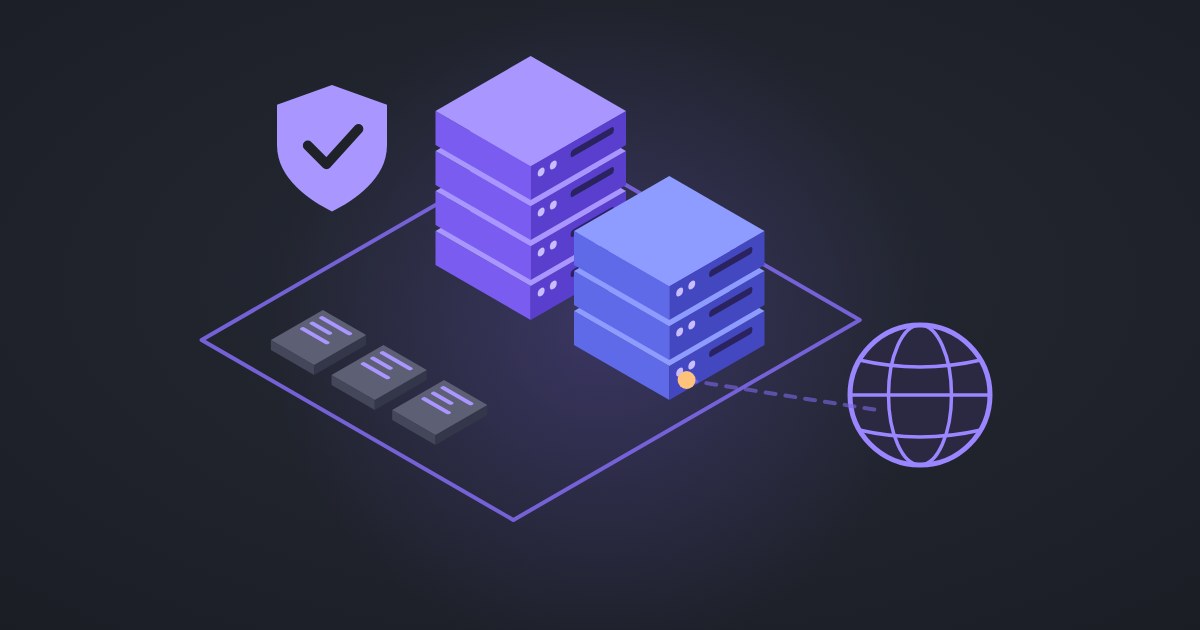
FanDesk ships both ways. The cloud version is a monthly subscription. The self-hosted version runs on your own servers with Docker, the data never leaves your network and there is no per-user fee. Self-hosted installations can also push a standby copy offsite, so the helpdesk can be brought back up elsewhere with recent data if the main server is lost. Self-hosting is not free, of course: servers, backups and updates are your job. If you have no IT team and no data constraints, a cloud helpdesk is the sensible choice.
Right-to-left languages and non-Gregorian calendars
Translating the menus is not the same as supporting a language. In many tools a right-to-left translation still leaves tables left-to-right, digits in Latin script and dates in the Gregorian calendar. For teams working in Arabic, Persian or Hebrew, that is a small cognitive tax paid a hundred times a day.
FanDesk was built right-to-left first, with English alongside it. The interface is native RTL, and dates follow each user's locale, including the Persian solar calendar and its date picker. Each user keeps their own language: two agents reading the same ticket history each see it in theirs, and emails or text messages sent outside a session go out in the recipient's stored language.
A selection checklist
Take this into the demo and ask the vendor to show each item on the live system, not on a slide.
- Log a ticket just before the weekend and check its SLA state on the next working morning. Try a public holiday in mid-week as well.
- Search the knowledge base in your second language, with that language's keyboard layout.
- Ask which SMS provider sends notifications, and whether you can connect your own.
- Draw your org structure (branches, departments, teams) and check that an agent in one branch sees only that branch's tickets.
- If you want self-hosting, ask whether it installs and updates without internet access.
- Ask for a full data export: which format, and how many days it takes.
- Look at SLA compliance by agent and by department during the demo.
- Check single sign-on against the identity provider you already use.
Where Zendesk and Freshdesk fit
To be fair, Zendesk and Freshdesk are mature products with app marketplaces, AI features and dozens of ready integrations. For a team that works in English, has no data residency constraint and is happy in the public cloud, they are hard to beat on breadth.
They fit less well when you need to self-host (neither offers an on-premise edition), when right-to-left is your primary language rather than an add-on, or when local SMS and messaging channels matter more than a marketplace. We wrote the detailed comparison in FanDesk vs Zendesk and Freshdesk.
Still undecided? Start with one question: if your internet link went down tomorrow, would your support team keep working? The answer settles about half of the decision.