Walk through most steel fabrication shops and you will see the same thing at every station: a fitter holding a drawing in one hand, squinting at a mark painted on a beam, and typing that mark into a tablet or a spreadsheet with the other. Then the beam moves on, and the next person types it again. Each typed mark is a small chance for a mistake, and a busy shop types thousands of them a week.
This article is about removing that typing. It covers what a piece mark is, why a barcode sticker beats a painted mark plus a keyboard, which kind of barcode actually works on a shop floor, and what the full loop looks like from cutting to dispatch. The examples come from how we built the label and scan flow in Fidar, our MES for steel fabricators, but the ideas apply to any system you use.
What a piece mark is, and why it breaks
Every part in a steel structure gets a mark on the shop drawing, something like B12, brp/6 or C1-pla. Parts are welded into assemblies, and the assembly carries its own mark. The mark is how everyone downstream, from the welder to the erection crew, knows which piece is which.
The trouble is that the mark lives in three places at once: in the modelling software, on paper and on the steel. When the shop tracks progress by hand, a person has to read the steel and copy it into the system at each step. That is where the errors come from:
- Similar marks get swapped (
B12andB21,1/2pl/1and1/2pl/7). - A five-off part row gets reported as "done" when only three of the five pieces have actually passed the station.
- Paint marks fade or get ground off before welding, so the fitter guesses.
- The entry happens at the end of the shift from memory, not when the work happened.
The fix: one label per physical piece
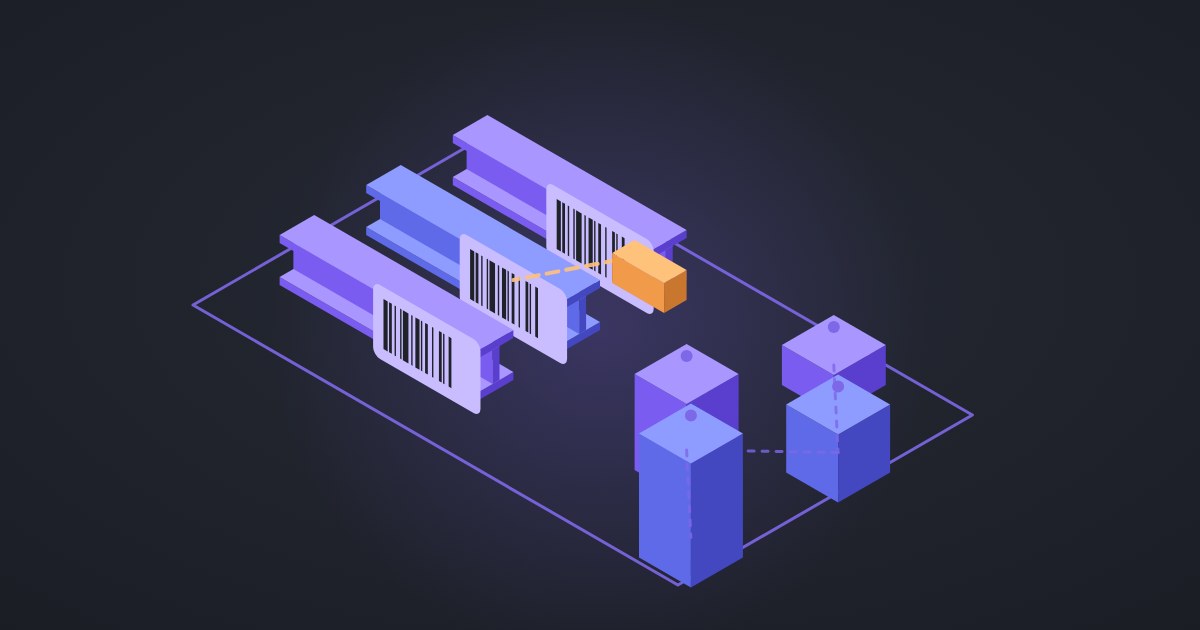
The first decision that matters is what a label stands for. A BOM row often says "part B12, quantity 5". If you print one label for that row, you are back to counting by hand. So the rule we use is simple: one label per physical piece. A five-off row prints five stickers, each carrying the same mark plus "1 / 5", "2 / 5" and so on.
Each sticker in Fidar carries the information a fitter needs at the rack without opening anything:
- project code and name,
- the assembly mark and the part mark,
- profile, steel grade, length and weight,
- the erection phase, if the project uses phases,
- the piece number for multi-off rows,
- a barcode encoding the mark.
Labels come straight from the BOM that was already imported from the model, so nobody retypes them. If your BOM still gets typed in by hand, fix that first; we wrote about getting the Tekla BOM in without manual re-entry. The sheet is a normal A4 PDF of stickers, up to 500 pieces per print, so an office printer and a pack of label paper are enough to start.
Code 128 or QR code?
This sounds like a small question. It is not, because it decides what scanner you buy.
Code 128 is a linear barcode, the familiar row of black bars. It holds a short string well and almost every handheld laser or linear scanner reads it out of the box. Most of those scanners act as a "keyboard wedge": the scan arrives in the app as if someone typed it and pressed Enter. That means no driver, no pairing app, and it works with a tablet browser.
QR codes hold far more data and can be read by a phone camera. They need a 2D imager, though, and phone cameras struggle with glare, dust and gloves, which is exactly the shop floor.
A piece mark is short. You do not need to pack the whole part record into the code, only the mark, because the system already knows everything else about it. For that job Code 128 is enough, and it lets a shop use the cheap, rugged scanners it may already own. We use the Code 128-B subset, which covers the printable characters marks use (letters, digits, slashes and hyphens) without switching modes. If a mark contains a character the barcode cannot carry, Fidar refuses to print it rather than producing a label that scans as something else. That refusal is a feature: a wrong label is worse than no label.
What happens at a station
The station screen is built around one rule: the operator should not have to type. The flow is:
- Pick the project and the station once at the start of the shift (cutting, drilling, fitting, welding, blasting, painting, dispatch or whatever your routing uses).
- Scan the sticker.
- The screen shows the part: mark, profile, where it came from, and the next step in its routing.
- Confirm with one large button.
Behind that button the system records a status change for that piece, with who did it, where and when. The history is append-only, so a mistaken scan is corrected with a new entry, not by quietly editing the old one.
Some stations work on whole assemblies rather than loose parts. At a fitting or welding station, scanning the assembly mark moves every part in that assembly together, so the welder does not scan twenty cleats one by one. There is also a batch mode for the times when a whole bundle of plates passes a station at once.
The scan is scoped to the selected project. If an operator scans a sticker that belongs to a different job, the screen says so instead of moving the wrong part.
What if the network drops?
Shop floors are not offices. Wi-Fi is weak near steel racks, and sometimes the connection goes away entirely. A scanning system that stops working when the network drops will be abandoned within a week, because the work does not stop.
In Fidar the station runs on a local copy of the project data on the tablet. A scan is saved locally first and sent to the server when the connection comes back. The server still has the final say: when the queued scans arrive, it applies them in order and rejects any that break the rules, for example moving a part into a status that an open quality hold blocks. We covered why this matters in more detail in offline-first MES on the shop floor.
What you get once the marks are scanned
Once the marks are scanned, you get:
- Real work in progress. You can see how many pieces of each assembly have passed each station right now, not as of last Friday's report.
- Bottlenecks you can point at. When one station's queue grows every day, it shows up in the numbers before it shows up as a late delivery.
- Readiness per delivery. For each shipment or erection phase you can see what percentage is ready and which pieces are missing.
- Traceability for quality. The same piece mark links to weld logs, NDT results and coating checks, so the final quality dossier is built from the record instead of from a folder of loose paper.
If you are still deciding whether you need an MES at all, start with what an MES is in steel fabrication; barcode tracking is usually the first piece worth doing.
A practical rollout plan
You do not need to label the whole shop on day one. A sequence that works:
- Pick one project and two stations. Cutting and dispatch are a good pair: one at the start of the flow, one at the end.
- Print labels at cutting. The sticker goes on the piece as it comes off the saw or the plasma table, before anything can get mixed up.
- Buy two or three linear scanners that work as keyboard input, and test them with gloves and with dusty labels.
- Agree what "done" means at each station. Scanning is only useful if everyone confirms at the same point in the work.
- After two weeks, compare the system's count with a physical count in the yard. If they match, add the next stations. If they do not, find out where the scans are being skipped before adding more.
Two things tend to go wrong. Labels placed where blasting or grinding will remove them (put them on a face that stays clean, or reprint after blasting), and stations where people batch-scan at the end of the day "to save time", which brings back the same delay you were trying to remove.
Where to start
If your marks already come out of a model, the hardest part is done; the rest is a printer, a few scanners and the discipline to scan at the moment the work happens. If you want to see how the label sheet, the station screen and the offline queue fit together, take a look at Fidar or get in touch and we will walk you through it with one of your own drawings.