If you already model in Tekla Structures, Tekla PowerFab is the obvious first name on the list. It comes from the same vendor and covers a lot of ground. SteelFlow MES is a narrower product: it starts on the shop floor, not in the estimating office. This page compares the two honestly, using Trimble's own documentation for PowerFab, so you can decide which problem you are actually trying to solve.
What Tekla PowerFab covers
According to Trimble's PowerFab 2026 user guide, PowerFab consists of seven modules: Advance Bill, Estimating, Inventory, Project Management, Production Control, Purchasing and Order Entry. It is described as a multi-user environment with a centralized database. That breadth is the main reason to choose it: one system from the first estimate through purchasing, stock and invoicing.
For work away from the desk there is Tekla PowerFab Go, a web application for mobile devices. Trimble's page lists what it does (production control job information, receiving and moving inventory, labor time, inspection test records) and states the condition: it works "as long as there is an internet connection and the Tekla PowerFab Remote Server is running".
What SteelFlow MES covers
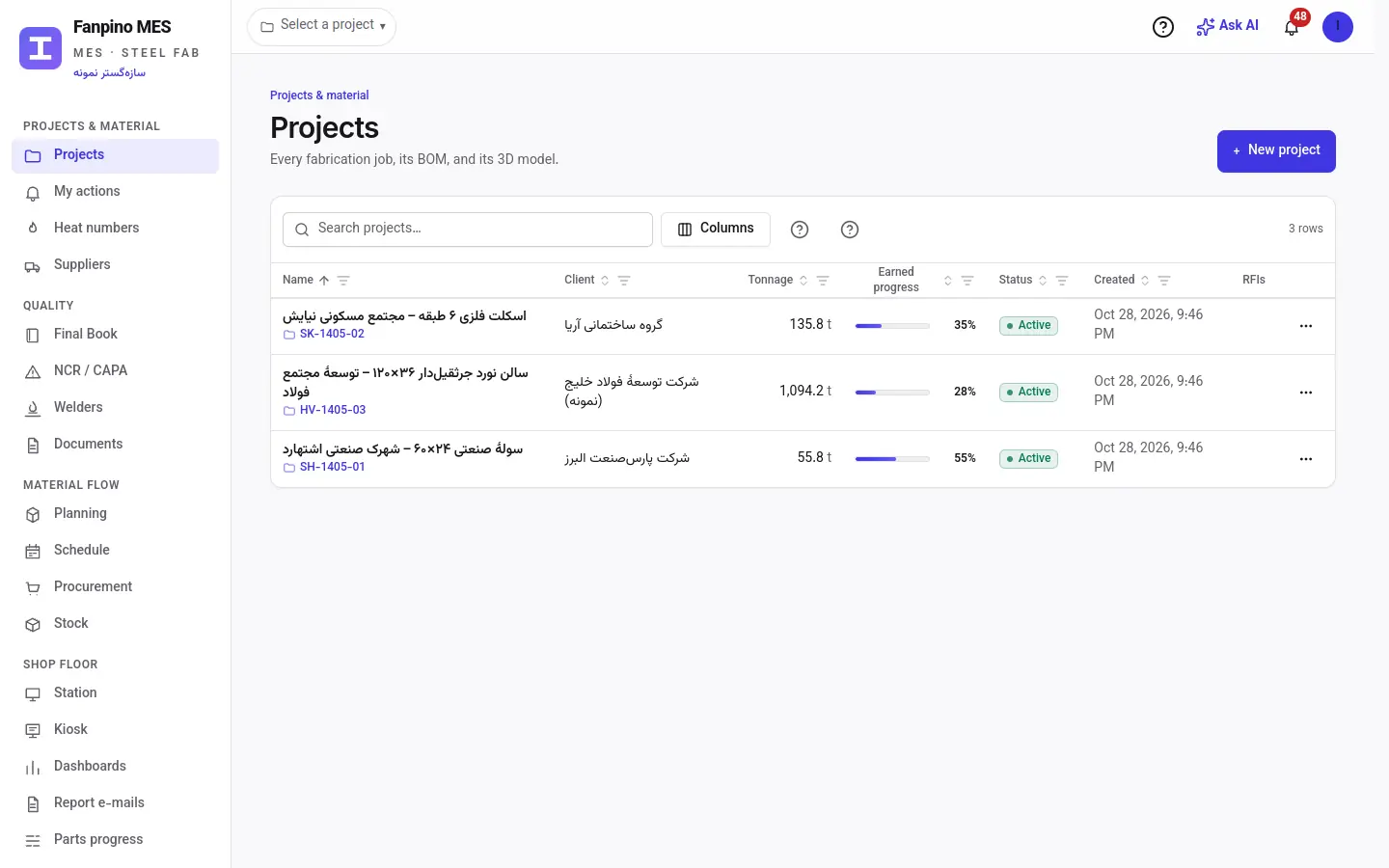
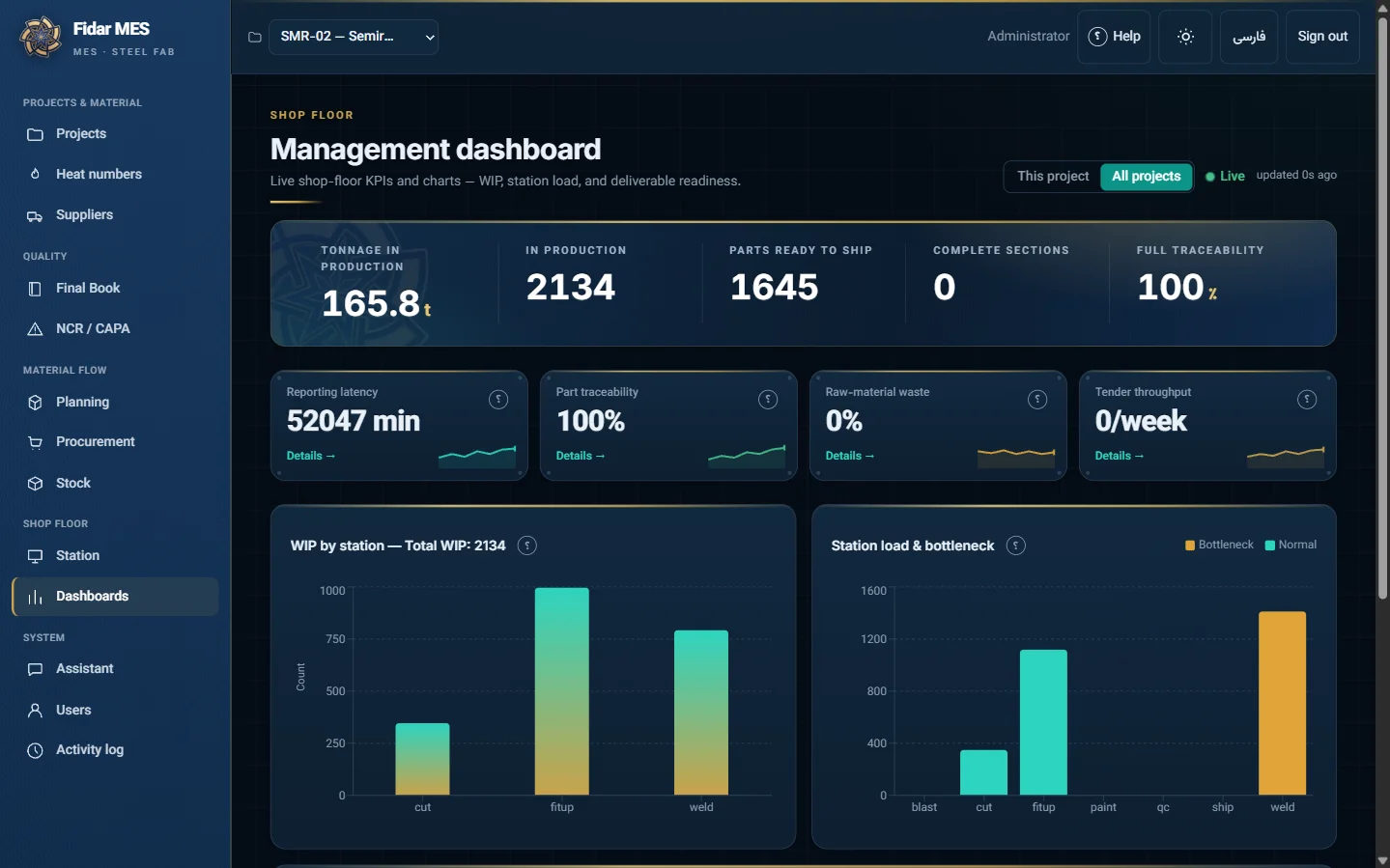
SteelFlow is built around the moment work happens at a station. A Tekla plugin pulls the model into a structured bill of materials, so nobody retypes it (how that works). Every physical piece gets a label and is scanned as it moves from cutting to dispatch (piece-mark tracking). Weld procedure and welder qualification checks, NDT and coating results are tied to each part, and the manufacturing record book is produced as a PDF from that trail (linked QC). The station app keeps working with no network and syncs when the connection returns (why offline matters here).
SteelFlow does not do estimating, purchasing or order entry. If you need those, it has to sit next to an ERP or an estimating tool.
Side by side
| Tekla PowerFab | SteelFlow MES | |
|---|---|---|
| Scope | Seven modules: Advance Bill, Estimating, Inventory, Project Management, Production Control, Purchasing, Order Entry | Shop-floor execution: BOM from the Tekla model, piece-mark labels and scans, station progress, weld QC, NCR/CAPA, MRB |
| Architecture | Multi-user environment with a centralized database | Runs on the device at the station and syncs when the connection returns |
| Mobile access | PowerFab Go web app; needs an internet connection and the PowerFab Remote Server | Offline-first app at the station; dashboards and planning in the browser |
| Weld QC | Inspection test records inside Production Control | WPS-WPQ checks, NDT and coating results linked to each part; MRB as a PDF from the audit trail |
| Tekla link | Same vendor (Trimble), model-based estimating | Tekla plugin pulls the model into a structured BOM |
How to choose
- Pick PowerFab if your main pain is in the office: estimates, material purchasing, stock across jobs and order entry in one system, and your shop has reliable network coverage.
- Pick SteelFlow if your main pain is on the floor: progress typed in from memory at the end of a shift, weld records scattered across folders before an audit, or stations where Wi-Fi drops.
- Use both questions in a demo. Ask any vendor to log a weld inspection with the network switched off, then show you the same record in the office after reconnecting. Ask them to change one part in the model and show the BOM update. These two tests separate brochures from shop-floor software quickly.
For the background on what an MES does in a fabrication shop, see What Is MES? A Plain-Language Guide for Steel Fabricators.
Frequently asked questions
Is SteelFlow a replacement for Tekla PowerFab?
Not fully. PowerFab includes estimating, purchasing and order entry, and SteelFlow does not. SteelFlow replaces the shop-floor part: production tracking at stations, weld QC records and the record book.
Does Tekla PowerFab Go work offline?
Trimble's documentation says PowerFab Go works as long as there is an internet connection and the PowerFab Remote Server is running. It does not describe an offline mode.
Can SteelFlow read a Tekla Structures model?
Yes. SteelFlow's Tekla plugin pulls the model into a structured bill of materials, so a model revision updates the BOM without retyping.
Sources: Trimble, Tekla PowerFab 2026 user guide (modules) and PowerFab Go introduction, checked October 2026.